
BFT Tool v1.9 by BossV Free Download Setup Latest Version (2027)
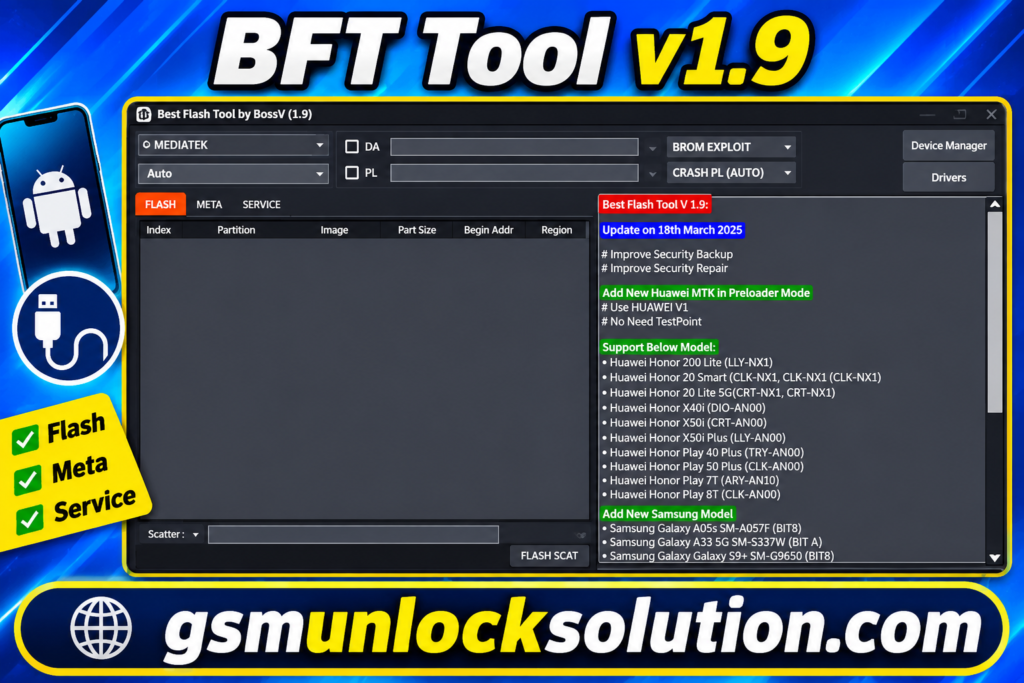
Mobile technicians often struggle with firmware flashing, device diagnostics, and Android software issues across different brands. BFT Tool v1.9 (Best Flash Tool) provides a Windows-based solution for supported devices, offering firmware flashing, device information, diagnostics, and software repair features. It supports MTK, Qualcomm, and Unisoc/SPD chipsets and compatible smartphones from brands like Oppo, Vivo, Xiaomi, Samsung, Infinix, Tecno, and Realme.
What is a BFT Tool?
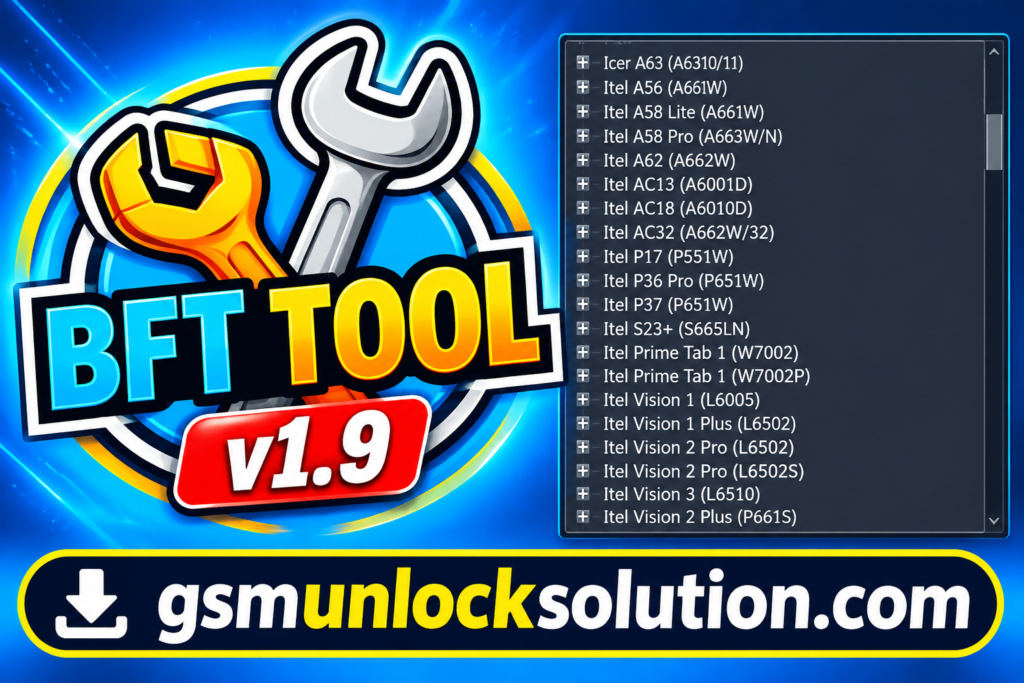
BFT Tool v1.9 is a mobile servicing utility that helps technicians perform various repair operations from a single platform. Its updated features focus on improving workflow efficiency, expanding device compatibility, and simplifying supported procedures. The tool may be useful for professionals looking for a practical solution for routine mobile repair tasks, with available functions depending on the device and software version.
Main Functions of BFT Tool
Device Information Reading
BFT Tool helps technicians read available information about a connected Android device. This can make it easier to identify the device before starting a servicing operation.
Firmware Flashing and Software Servicing
The tool provides firmware flashing options for compatible Android devices. It can help technicians reinstall supported software when troubleshooting certain system issues.
Factory Reset
BFT Tool offers factory-reset-related functions for supported devices. These operations can erase user data, so backing up important files beforehand is recommended.
ADB and Fastboot Operations
ADB and Fastboot functions support specific Android maintenance tasks through a computer connection. The available operations depend on the device, USB debugging settings, and bootloader status.
MediaTek Device Servicing
BFT Tool includes servicing functions for supported MediaTek (MTK) devices. Available operations may vary depending on the chipset, security patch, and device model.
Qualcomm Device Servicing
The tool provides selected servicing options for compatible Qualcomm-powered smartphones. Technicians should verify device compatibility before attempting firmware or other advanced operations.
Unisoc/SPD Device Servicing
BFT Tool supports certain devices powered by Unisoc, also known as SPD chipsets. The available functions depend on the device’s hardware and the tool version.
Boot-Mode and Connection Management
The tool includes options related to device connections and supported boot modes. These functions help technicians prepare compatible devices for specific servicing procedures.
Firmware and Partition Functions
BFT Tool provides firmware- and partition-related operations for supported devices. Using the correct firmware and partition files is important to avoid software errors or device boot problems.
Diagnostic and Maintenance Tools
Built-in servicing options can help technicians investigate software-related problems on compatible smartphones. These functions are useful when identifying issues before attempting repairs.
Screen Lock and FRP Servicing
BFT Tool may provide screen-lock and Factory Reset Protection (FRP) servicing functions for certain supported devices. Availability depends on the model, Android version, and security level.
Bootloader Operations
Selected devices may support bootloader-related operations through the tool. Before proceeding, check device requirements because unlocking the bootloader can erase data and affect device security.
IMEI-Related Functions
Certain versions may include IMEI-related servicing options for compatible devices. Any repair must follow local laws and use the device’s original, legally assigned identity.
Additional Device Compatibility
BFT Tool updates may introduce support for additional smartphone models and servicing functions. Always check the official release information to confirm which devices are supported by your version.
Pros and Cons
Pros
- Supports multiple Android servicing functions.
- Works with supported MTK, Qualcomm, and Unisoc/SPD devices.
- Provides a simple interface for mobile technicians.
- Helps with firmware flashing and software troubleshooting.
- Offers various device maintenance options.
- Updates may add new features and device support.
Cons
- Not all Android models are supported.
- Some operations require technical knowledge.
- USB drivers may be required for proper connectivity.
- Certain operations can erase user data.
- Advanced features may depend on the device’s security level.
- Unofficial downloads may contain unsafe or modified files.
System Requirements
| Requirements | Details |
| Operating System | Windows 7, 8, 10, or 11 (32-bit/64-bit) |
| Processor | Intel/AMD Dual-Core or higher |
| RAM | Minimum 4 GB (8 GB recommended) |
| Storage | At least 500 MB of free space |
| USB Drivers | Compatible Android USB, MTK, or Qualcomm drivers, as required |
| Additional Requirements | A stable USB connection and compatible device drivers |
Looking for another useful tool: GSMWolf MTK Tool Free Download for FRP Removal & Bootloader [2027]
How to Download BFT Tool V1.9?
- Visit the Official Website: Open the official BFT Tool website and look for the available download.
- Check the Latest Version: Verify the version number and compatibility before downloading the setup file.
- Download the Setup File: Click the download button and save the file to your computer.
- Verify the Download: Check the file’s source and scan it with your security software before opening it.
- Extract the Files: If the download is a ZIP or RAR archive, extract it using a compatible extraction utility.
- Install Required Drivers: Install the appropriate Android USB, MTK, Qualcomm, or SPD drivers, depending on your device.
- Launch BFT Tool: Open the extracted folder and run the application according to the developer’s instructions.
- Connect Your Device: Connect your compatible Android phone using a suitable USB cable.
- Verify Device Detection: Make sure the tool recognizes your device before selecting any servicing function.
- Start Using the Tool: Choose the required operation and follow the on-screen instructions carefully.
Conclusion
BFT Best Flash Tool is a useful option for mobile technicians who need a range of Android servicing functions in one place. It offers features for firmware flashing, device diagnostics, and software maintenance on supported smartphones. Before downloading BFT Tool v1.8, check the version compatibility, install the required drivers, and verify the download source. Always back up important data and follow the correct procedures to reduce the risk of software errors or data loss.
FAQ’s
Does BFT Tool Require an Activation Key?
Activation requirements can vary depending on the BFT Tool version and distribution. Check the instructions provided with the software to confirm whether registration or activation is required.
Why Is My Phone Not Detected by BFT Tool?
This issue may occur because of missing USB drivers, a faulty cable, or an incorrect connection mode. Check the drivers, try another USB port, and ensure your phone is in the required mode.
Can I Use the BFT Tool to Fix a Phone Stuck on the Logo?
BFT Tool may help resolve certain boot-loop issues through compatible firmware servicing. However, the correct firmware and supported procedure depend on the exact phone model and its software condition.
What Should I Do If BFT Tool Flashing Fails?
First, check whether the firmware matches your phone’s exact model and variant. Also, verify the USB connection, installed drivers, and compatibility before attempting the operation again.
How Can I Check Whether My BFT Tool Version Is Up to Date?
Check the version displayed in the application and compare it with the release information from a trusted source. Make sure any newer package is authentic and compatible with your Windows system before installing it.



One Comment