
Cheetah Tool Pro V2027.09.29.194.0 Free Download For All Mobile Latest Version (2027)
Mobile repair can be difficult due to FRP locks, security restrictions, and firmware issues. Cheetah Tool Pro solves these problems by supporting multiple brands and chipsets, including Samsung, LG, Huawei, Xiaomi, MediaTek, and Qualcomm. It offers FRP Reset, Security & MCK Reset, Factory Reset, and other repair features through MTP, ADB, Fastboot, and USB connections, making mobile maintenance easier for beginners and professional technicians.
What is a Cheetah Tool Pro?
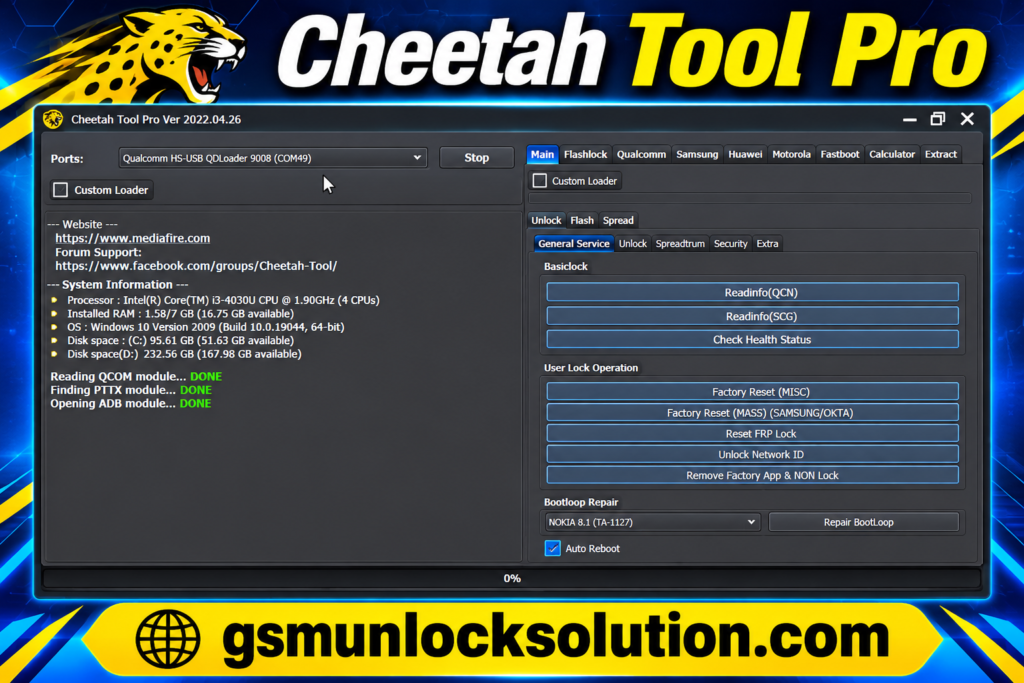
Cheetah Tool Pro is a Windows-based Android mobile repair utility designed to help users troubleshoot and manage different smartphone software issues. It provides a PC-based interface for performing advanced operations such as bootloader management, data formatting, firmware installation, and device maintenance. The software uses compatible USB drivers and communication modes to connect Android devices to a computer, making it a useful option for mobile technicians and users who need a dedicated solution for smartphone software tasks.
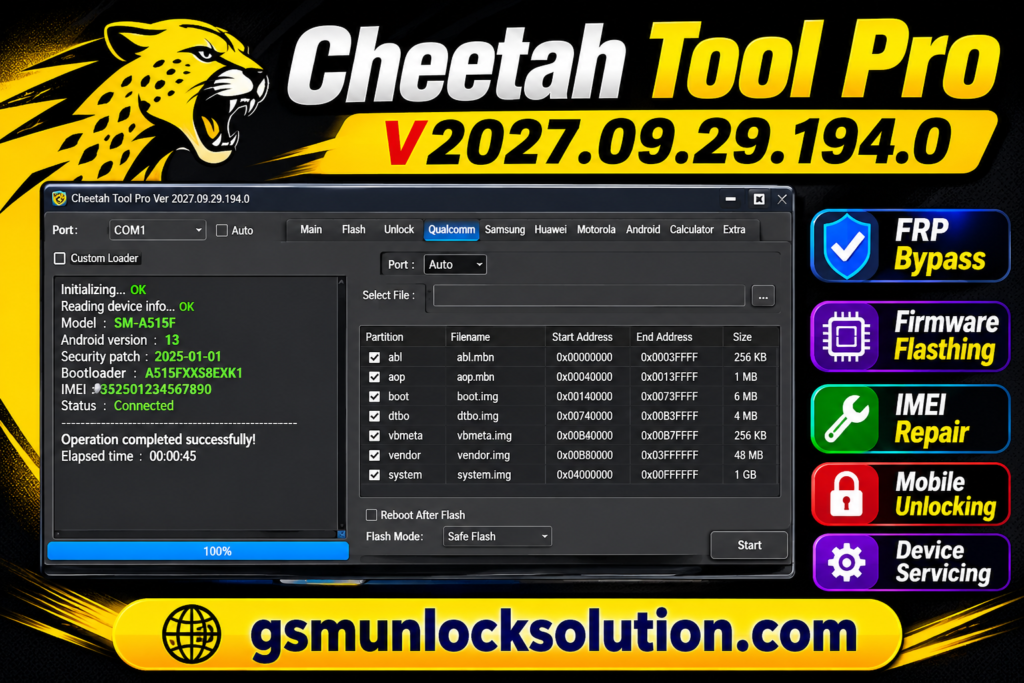
Main Functions of Cheetah Tool Pro
Repair IMEI
This feature helps technicians fix IMEI-related problems on supported Android devices. It can restore proper network functionality when an IMEI issue occurs.
Reset Screen Lock
Forgot your device password, PIN, or screen pattern? This feature removes supported screen locks and helps you regain access to the device.
Read / Write QCN
Cheetah Tool Pro allows users to read and write QCN files on compatible Qualcomm devices. It is useful for backing up and restoring network configuration data.
Factory Reset
This option lets users reset supported devices through the diagnostic port. It helps resolve certain software problems and restore factory settings.
Read / Write NVM
Users can access and modify NVM data on supported devices using this function. Some operations may require ADB access and root permissions.
Read / Write Security
This feature provides access to supported device security data. It helps technicians manage specific security-related repair operations.
Repair Network
Network-related problems can affect calling and mobile data services. This function helps repair supported network configuration issues.
Enable ADB
This option enables ADB communication through the diagnostic port on compatible devices. It is useful for performing advanced maintenance operations.
Reset FRP
If a device gets stuck on Google account verification after a factory reset, this feature can help authorized users handle FRP issues on supported models.
Decode Network
This function helps technicians check and decode supported network-related information. It can be useful when diagnosing certain connectivity or configuration problems.
Flash Firmware
Users can install or reinstall compatible firmware to fix software errors and system problems. It also helps recover devices affected by corrupted software.
Reset EFS
The EFS reset option helps technicians handle certain EFS-related issues on supported devices. Proper backup is recommended before making changes to this important data.
Read Device Information
This feature displays useful details about a connected smartphone, such as its model and hardware information. It helps technicians identify the device before starting a repair.
Reboot Download Mode
This option allows users to restart compatible Samsung devices directly into Download Mode. It makes firmware-related operations easier without using manual key combinations.
Read / Write NV
Cheetah Tool Pro provides options to read and write NV data on supported devices. This helps technicians manage specific device configuration information.
Unlock Network
This feature helps remove supported network restrictions from compatible smartphones. It allows users to use their devices with supported network providers.
Remove MDM
MDM restrictions can limit access to certain device functions. This feature helps handle supported MDM-related restrictions on compatible devices.
Change CSC
The CSC function allows technicians to change the Country Specific Code on supported Samsung devices. It can help configure regional software settings and features.
Read Unlock Code
This option helps retrieve supported network unlock information from compatible devices. It can be useful when diagnosing carrier-lock issues.
Reset Security
This function helps technicians manage certain security-related issues on supported smartphones. Its availability depends on the device model and software version.
Pros and Cons
Pros
- Supports multiple Android brands and chipsets.
- Offers several repair functions in one tool.
- Includes FRP reset and screen lock removal options.
- Supports firmware flashing and factory reset operations.
- Provides ADB, Fastboot, and diagnostic port functions.
- Offers QCN, NVM, and EFS management options.
- Simple interface makes it easier for beginners to use.
- Regular updates improve stability and device compatibility.
- Reduces the need for multiple mobile repair tools.
Cons
- Some advanced features require technical knowledge.
- Certain operations need additional USB drivers.
- NVM and other advanced functions may require root access.
- Not all features are available for every Android model.
- Some repair functions require an active paid license.
- Incorrect operations may cause software or network issues.
- Device compatibility may depend on the Android version and security patch.
- Some features require a stable USB connection and proper device drivers.
System Requirements
| Requirements | Minimum / Recommended Specifications |
| Operating System | Windows 7, 8, 10, 11 |
| Processor (CPU) | Intel Dual-Core or Higher |
| AMD Processor | AMD Dual-Core or Higher |
| RAM (Minimum) | 4 GB |
| RAM (Recommended) | 8 GB |
| Storage Space | At Least 1 GB of free space |
| USB Drivers | Required |
| Internet Connection | Stable Internet Connection |
| USB Cable | Compatible USB Data Cable |
Looking for another useful tool: BFT Tool v1.9 by BossV Free Download Setup Latest Version (2027)
How to Download Cheetah Tool Pro?
- Visit the official Cheetah Tool website to find the latest version.
- Open the Cheetah Tool Pro download page and click the Download Here button.
- Wait for the download to finish and locate the ZIP or RAR file on your computer.
- Extract the downloaded archive using WinRAR or 7-Zip.
- Install the required USB drivers, including Qualcomm and MediaTek drivers if needed.
- Run the setup file as Administrator and follow the on-screen instructions.
- Open the Cheetah Tool website and log in using your registered account.
- Navigate to the Enter Credit section and provide your Credit ID and Password.
- Click the Activate button to activate your purchased license.
- Launch Cheetah Tool Pro and log in using your registered email and password.
- Connect your Android device to the PC using a compatible USB cable.
- Select your device brand and model, then choose the required repair function.
Conclusion
Cheetah Tool Pro is a useful solution for Android users and mobile repair technicians who need to handle different software-related issues. With features like FRP reset, firmware flashing, IMEI repair, screen lock removal, and network troubleshooting, it makes many repair tasks easier. Its support for multiple brands and chipsets also makes it a practical choice for everyday mobile servicing. If you’re looking for a simple Windows-based repair utility, Cheetah Tool Pro is worth considering. Make sure to download the latest version from a trusted source and use a valid activation license for the best experience.
FAQ’s
Is Cheetah Tool Pro free to use?
Cheetah Tool Pro can be downloaded without purchasing a license, but most advanced repair operations require an active activation and sufficient credits. The exact requirements depend on the operation you want to perform.
What is the difference between Cheetah Tool Pro activation and credits?
Activation allows you to access the software for a specific period, while credits are used to pay for supported operations that require server processing. Some operations may not require credits, depending on the feature.
Why is my device not detected by Cheetah Tool Pro?
This issue can occur because of missing USB drivers, a faulty cable, an incorrect connection mode, or a USB port problem. Install the appropriate drivers, try another data cable, and ensure your phone is in the required mode.
How can I check whether my phone model is supported by Cheetah Tool Pro?
Check the supported device list and release notes before starting any repair operation. Compatibility can vary depending on the exact model, chipset, firmware version, and Android security patch.
Does Cheetah Tool Pro require an internet connection?
Yes, an internet connection is generally required for account authentication and server-based repair operations. Make sure your PC has a stable connection and that your account has the required activation and credits.



One Comment