
MDM Fix Tool V1.1.0.2 Free Download Setup Latest Version [2026]
When you face Android MDM locks, Samsung KG restrictions, FRP locks, or IT admin limitations on your smartphone, MDM Fix Tool offers different repair functions such as MDM servicing, FRP reset, ADB operations, firmware flashing, DIAG functions, and device maintenance. It supports Samsung, Xiaomi, Qualcomm, and MediaTek devices. This tool helps solve different software-related problems.
What is MDM Fix Tool?
MDM Fix Tool is a Windows-based Android servicing tool. It helps users and technicians solve problems. This tool handles Device Management (MDM) restrictions, Samsung Knox Guard (KG) locks, IT Admin limitations, and Factory Reset Protection (FRP) issues. If you are looking for the best one-click MDM Fix Tool, this is the right choice.
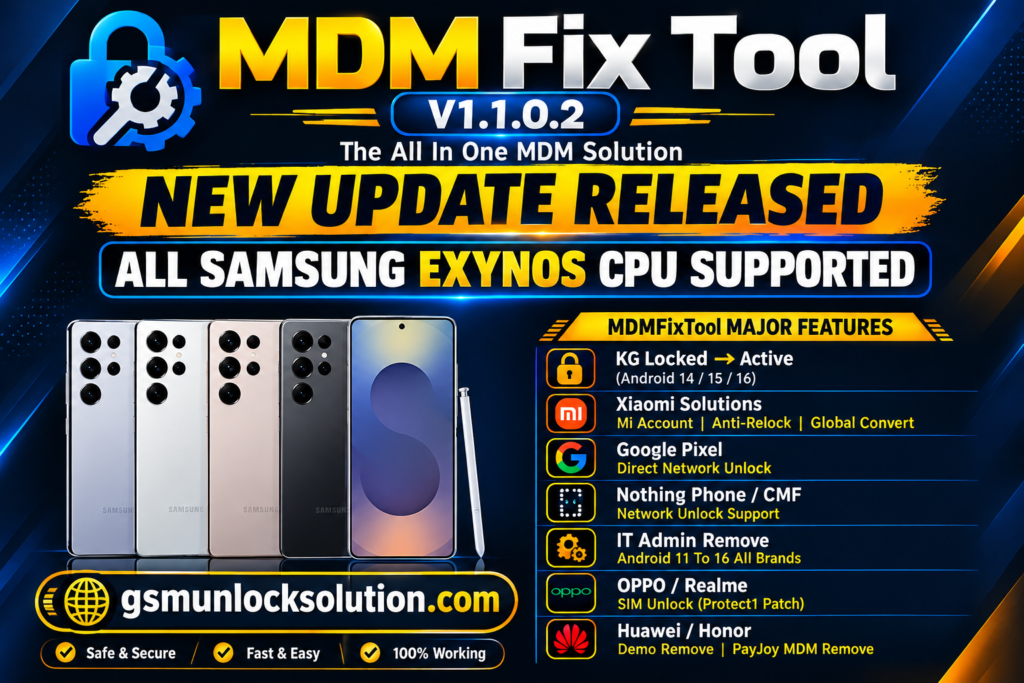
Main Functions of MDM Fix Tool
MDM Removal
Helps handle supported Mobile Device Management (MDM) restrictions on compatible Android devices.
Samsung KG Operations
Provides selected Samsung Knox Guard (KG) servicing functions for supported Samsung smartphones.
IT Admin Removal
Offers options for handling supported IT Admin restrictions on compatible devices.
ADB and MTP Support
Supports ADB and MTP connection modes to communicate with Android devices and perform servicing tasks.
EDL and 9008 Support
Includes Qualcomm Emergency Download Mode (EDL) functions for supported device servicing and software repair.
Xiaomi Servicing
Provides selected Xiaomi servicing options, including supported Mi Account and FRP-related functions.
FRP Reset
Helps technicians handle Factory Reset Protection (FRP) issues on compatible devices.
DIAG Functions
Offers diagnostic and maintenance operations for supported smartphones.
Device Information Reader
Helps identify connected devices and read available information, such as the model and device status.
ADB and Fastboot Operations
Supports Android debugging, device communication, and selected software servicing operations.
Firmware Flashing
Provides firmware-related functions for compatible devices to help resolve certain software issues.
User-Friendly Interface
Features a simple interface that helps beginners and experienced mobile technicians navigate available options.
Lightweight Software
Offers a lightweight setup for Windows computers, making installation and operation easier on supported systems.
What’s New in MDM Fix Tool?
- Improved support for selected Samsung KG and IT Admin servicing operations.
- Added or updated MDM- and FRP-related functions for compatible Android devices.
- Enhanced ADB, MTP, and Qualcomm EDL connection support.
- Improved Xiaomi servicing options for supported models.
- Updated DIAG functions and device information detection.
- General performance improvements and bug fixes for a smoother user experience.
Pros and Cons
Pros
- Supports various Android servicing functions.
- Offers MDM, FRP, and Samsung KG-related options.
- Includes ADB, MTP, Fastboot, and EDL support.
- Provides selected Xiaomi servicing features.
- Has a simple and user-friendly interface.
- Includes device information and DIAG functions.
Cons
- Some features may require paid activation.
- Not all functions support every device model.
- Requires compatible USB drivers for proper connection.
- Some operations may need technical knowledge.
- Results depend on the device model and Android version.
System Requirements
| Requirement | Details |
| Operating System | Windows 7, 8, 10, or 11 |
| RAM | 4 GB or more |
| Processor | Intel or AMD |
| Storage | At least 1 GB of free space |
| USB Cable | Required to connect the device |
| USB Drivers | Compatible device drivers |
| Connection | USB port |
| Internet | Required for some functions or activation |
Download Information
| File Information | Details |
| File Version | V1.1.0.2 |
| File Size | 129.29 MB |
| File Type | Compressed ZIP / RAR |
| Extraction Tool | 7-Zip or WinRAR |
| Supported OS | All Windows (32-bit and 64-bit) |
| Virus Status | Reported as scanned by Avast Antivirus |
Looking for another useful tool: HalabTech Tool v1.1.6 Free Download for Windows Latest Version [2026]
How to download the MDM Fix Tool?
- Visit the official website to check the available MDM Fix Tool version.
- Find the download link for the tool and review the version details.
- Click the download button and wait for the file to download.
- If the file is compressed, extract it using a suitable extraction tool.
- Open the setup file and follow the installation instructions, if provided.
- Install the required USB drivers for your supported Android device.
- Connect your smartphone to the computer using a USB cable.
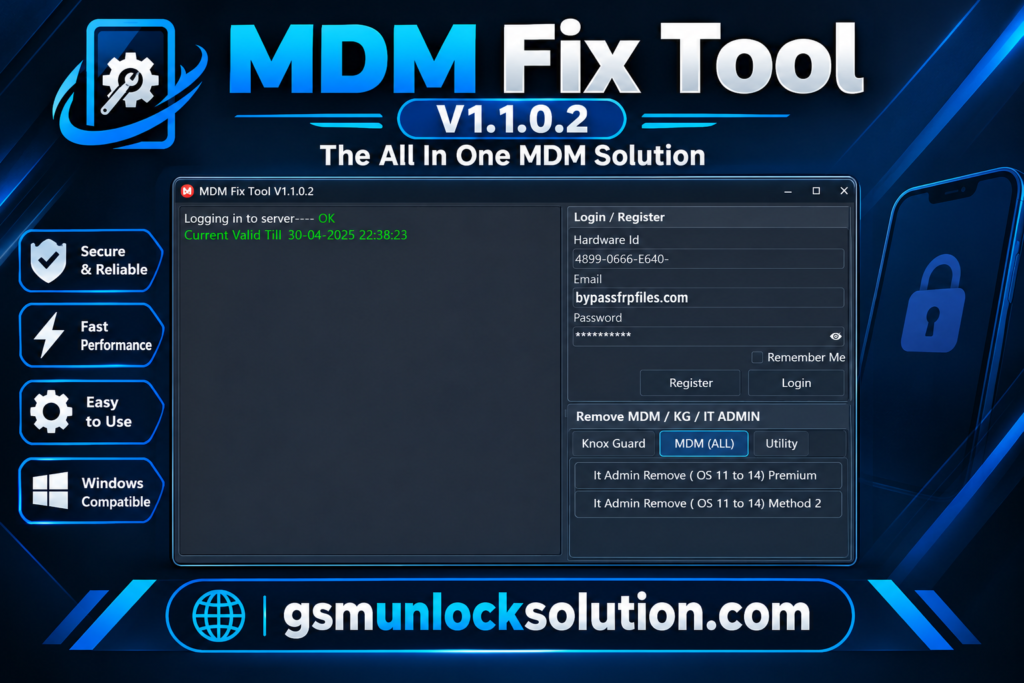
Conclusion
MDM Fix Tool is a useful Android servicing tool for mobile technicians and users. It offers features such as MDM servicing, FRP reset, Samsung KG operations, firmware flashing, and ADB support for compatible devices. It has a simple interface; whether you are a beginner or an expert, this tool is easy to use for everyone.
FAQ’s
Is MDM Fix Tool free to use?
Some versions may require paid activation. Check the terms of your specific version.
Which devices does MDM Fix Tool support?
It offers selected servicing functions for compatible Samsung, Xiaomi, Qualcomm, and MediaTek devices.
Does MDM Fix Tool support ADB and Fastboot?
Yes, it offers ADB and Fastboot-related operations for supported devices.
Is MDM Fix Tool safe to use?
Download it from a trusted source and scan the files before running them. Only use its features on devices you own or have permission to service.
Does MDM Fix Tool support FRP reset?
Yes, it offers FRP-related functions for supported devices.


One Comment