
QFIL Tool v2.0.3.5 Free Download for Windows Latest Version [2027]
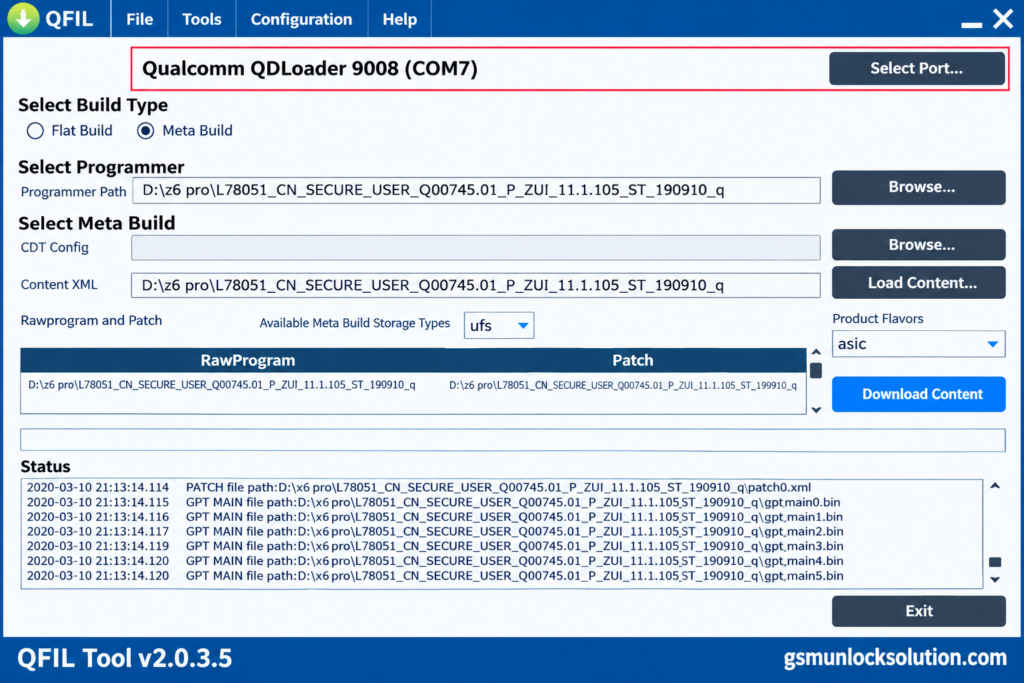
When a Qualcomm Android device has firmware errors, boot issues, or software problems, restoring the correct stock firmware can fix them. QFIL Tool is a Windows-based tool designed to flash compatible firmware on Qualcomm-powered smartphones and tablets. It works with supported devices in Emergency Download Mode and uses firmware files such as Firehose programmers and rawprogram or patch XML files. QFIL helps mobile technicians and advanced users restore stock ROMs and troubleshoot certain software-related problems.
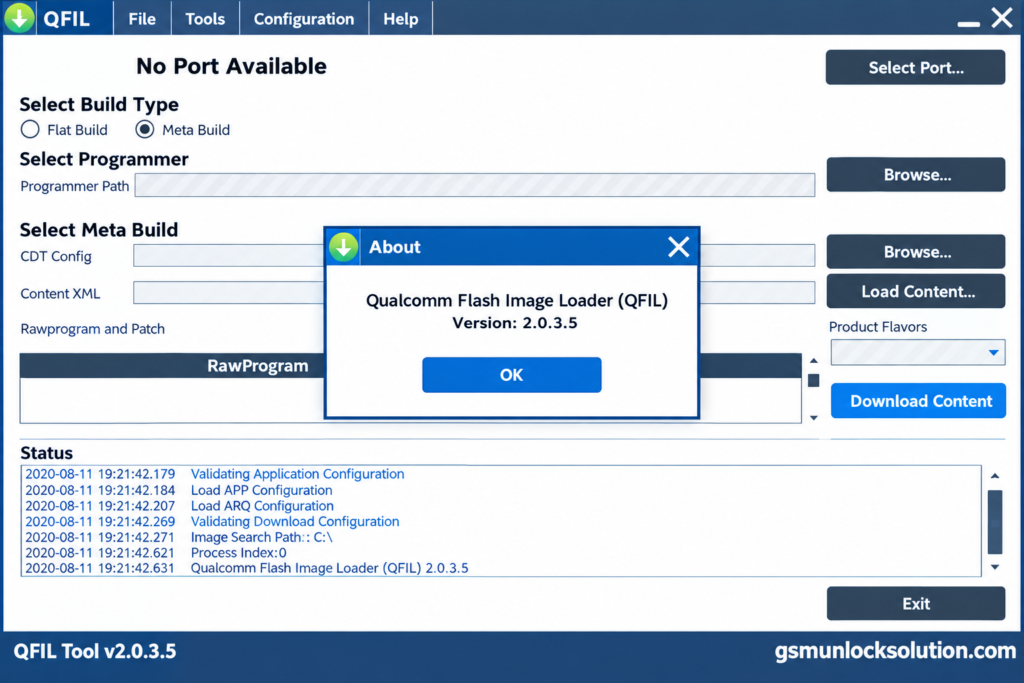
What is the QFIL Tool v2.0.3.5?
QFIL Tool is a professional Windows-based program that helps users install stock firmware on supported Qualcomm Android devices. Mobile technicians use it to fix software problems, restore the phone’s software, and repair devices that get stuck on the boot logo or do not start properly. QFIL works with firmware files and devices that support Emergency Download Mode (EDL). It is part of the Qualcomm flashing workflow and is for servicing supported smartphones and tablets.
Main Functions of the QFIL Tool v2.0.3.5
Stock Firmware Flashing
Install stock firmware on supported Qualcomm Android devices.
EDL Mode Support
Connect compatible devices through Emergency Download Mode (EDL) for firmware flashing.
Software Repair
Help fix software problems, such as boot loops and devices that fail to start.
Qualcomm Device Support
Work with supported Qualcomm-powered smartphones and tablets.
Firmware File Support
Use compatible Firehose programmer files and XML files required for flashing.
Windows Compatibility
Run on a Windows computer with the required drivers and setup.
Firmware Restoration
Restore the original software when a compatible device has firmware issues.
Simple Interface
Access the main flashing options through a straightforward interface.
What’s New in QFIL Tool?
- Supports flashing stock firmware on compatible Qualcomm devices.
- Helps restore firmware on supported Android smartphones and tablets.
- Supports compatible firmware files and EDL connections.
- Works with the required Qualcomm USB drivers on Windows.
- Can help fix certain firmware and software problems.
Pros and Cons
Pros
- Easy to use for basic firmware flashing.
- Helps restore stock firmware on supported Qualcomm devices.
- Can fix some software and boot problems.
- Supports EDL mode on compatible devices.
- Useful for mobile technicians and advanced users.
- Available for Windows computers.
Cons
- Supports only compatible Qualcomm-based devices.
- Requires the correct firmware files and USB drivers.
- Incorrect firmware can cause flashing errors or data loss.
- Some devices need special steps to enter EDL mode.
- Not all devices support every QFIL function.
- Beginners may find firmware flashing difficult at first.
System Requirements
| System Requirements | Details |
| Operating System | Windows 7, 8, 10, or 11 |
| RAM | 4 GB or higher |
| Processor | Intel or AMD |
| Free Storage | At least 1 GB |
| USB Cable | Required to connect the device |
| USB Drivers | Compatible Qualcomm USB drivers |
| Internet Connection | Required for downloading firmware and drivers |
Download Information
| Information | Details |
| File Version | v2.0.3.5 |
| File Size | 3.03 MB |
| File Type | Compressed (ZIP & RAR) |
| Extraction Tool | 7-Zip or WinRAR |
| Supported OS | All Windows (32-bit and 64-bit) |
| Virus Status | Claimed to be scanned by Avast Antivirus |
| File Password | TFT |
Looking for another useful tool: TFT Unlock Tool v6.3.1.1 Free Download Setup for Android Devices [2027]
How to download the QFIL Tool v2.0.3.5?
- Visit the official Qualcomm website to find the QFIL Tool download.
- Look for QFIL Tool and check the version details.
- Click the download link to save the file to your computer.
- If the file is in ZIP format, extract it using a suitable extraction tool.
- Install the required Qualcomm USB drivers if they are not already installed.
- Connect your supported Qualcomm device when you are ready to use the tool.
Conclusion
QFIL Tool is a useful Windows tool for flashing stock firmware on supported Qualcomm Android devices. QFIL Tool helps mobile technicians and users restore firmware and solve software problems, such as boot loops and devices that fail to start. QFIL Tool has a simple interface, whether you are a beginner or an expert. Before using this tool, check your device’s capabilities.
FAQ’s
Is QFIL Tool free to download?
QFIL Tool is available free of charge from sources that distribute it. Always check the download source before downloading.
Which devices does QFIL Tool support?
QFIL supports compatible Qualcomm-based smartphones and tablets. Support depends on the device model and firmware.
Does QFIL Tool require Qualcomm USB drivers?
Yes, compatible Qualcomm USB drivers are usually needed for the computer to detect the connected device.
Does QFIL Tool erase phone data?
Flashing firmware can erase personal data. Back up your important files before starting the process.
Is QFIL Tool safe to use?
It can be useful for firmware repair when used correctly. Download it from a trusted source and use firmware made for your exact device model.





One Comment